
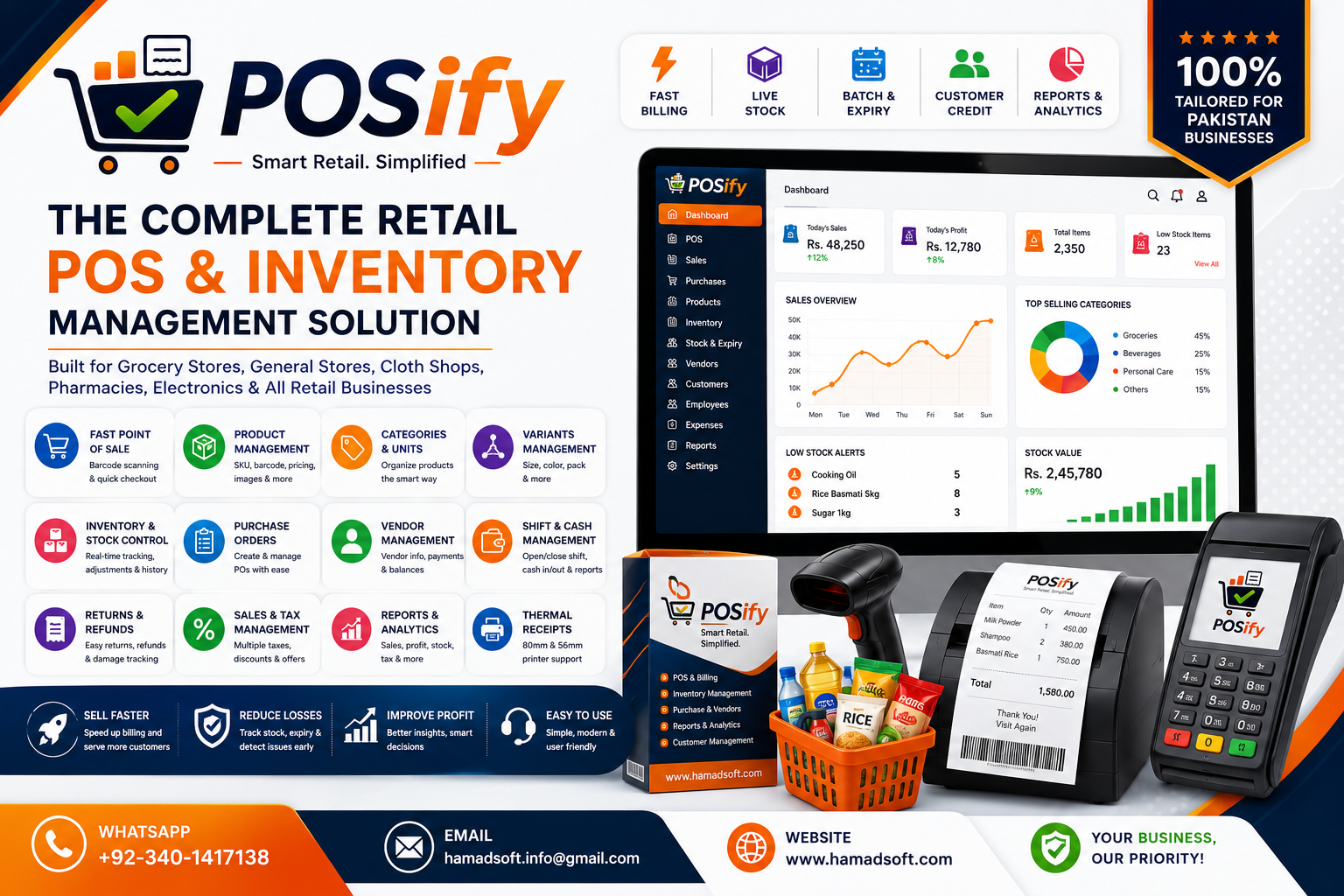


Point of Sale
POSify
Complete Retail Point of Sale System
Manage POS sales, inventory, products, categories, vendors, purchase orders, shifts, refunds, barcode labels, reports, and receipts.
POSify
POSify is a complete retail point of sale system designed for grocery stores, general retail shops, clothing stores, pharmacies, electronics shops, and small to medium retail businesses.
Why choose POSify?
- Fast and modern point of sale screen
- Product, category, unit, variant, and barcode management
- Inventory, stock adjustment, batches, expiry alerts, and stock valuation
- Purchase orders, vendor records, vendor payments, and payment evidence attachments
- Shift opening, cash in, cash out, closing, and daily closing reports
- Hold and recall sales, refunds, returns, damage tracking, and receipt reprints
- Salesperson tracking with commission-ready reports
- Professional thermal receipts with 80mm and 56mm printer support
- Detailed sales, tax, profit, item-wise, category-wise, refund, and stock reports
Key Features
Fast Point of Sale
Process sales quickly with product search by name, barcode, item code, and category, plus barcode scanner support.
Product Management
Manage products with barcode, SKU, category, unit, pricing, stock, tax settings, expiry settings, and product images.
Category and Unit Management
Organize products by categories and units of measure for retail, grocery, clothing, pharmacy, electronics, and general store setups.
Product Variants
Create and manage product variants such as size, color, pack, barcode, SKU, cost, sale price, and stock.
Inventory and Stock Control
Track stock levels, low stock, out of stock items, stock adjustments, batches, damage, returns, and stock movement history.
Stock Valuation
View stock valuation by all products or selected category with quantity, cost, and inventory value.
Purchase Orders
Create purchase orders, receive stock, track ordered and received quantities, vendor details, payment status, and balances.
Vendor Management
Manage vendors and suppliers with contact details, balances, purchase order history, payments, and payment evidence attachments.
Shift Management
Open and close shifts, record opening cash, cash in, cash out, counted cash, shift notes, and shift closing summaries.
Hold and Recall Sales
Hold an active cart against a customer or key and recall it later to continue checkout.
Refunds and Returns
Process partial or full refunds, returns, damage entries, restocking, refund receipts, and refund history.
Customer Management
Store customer profiles, contact details, loyalty points, total purchases, sales history, and account activity.
Salesperson Tracking
Assign salesperson codes to sales and generate salesperson performance reports for commission tracking.
Barcode Labels
Generate and print actual barcode labels for products with selectable label sizes, copies, product names, and prices.
Thermal Receipt Printing
Configure 80mm or 56mm thermal printers and print professional sale, refund, and receipt previews.
Tax Management
Configure item-wise tax, receipt-level tax, no-tax mode, tax labels, tax percentages, and tax collected reports.
Profit and Cost Reports
Generate profit, cost, item-wise, category-wise, stock, valuation, payment, refund, tax, and sales reports.
Expiry Alerts
Mark expiry products and receive alerts before expiry based on configured alert days.
Store Branding
Configure store name, POS logo, login banner, receipt footer, developer credit line, and receipt identity.
Secure Licensing and Backup
Use activation-code based licensing, trial protection, master access, database path display, backup, and restore tools.
Installation Guide
Installation Guide
- Locate the POSify application file.
- Double click POSify.exe to start the application.
- For daily use, right click POSify.exe and select Send To > Desktop (Create Shortcut).
- Open the application using the desktop shortcut.
- Login with the default admin account provided during setup.
- After login, go to Store Settings.
- Add store name, logo, banner, address, phone, tax settings, receipt settings, printer settings, POS profile, and payment methods.
- Configure printer settings for 80mm or 56mm thermal receipt printing.
- Change default passwords after first login for security.
System Requirements
- Windows 10 or 11
- 4 GB RAM recommended
- 500 MB free disk space
- Thermal printer recommended for receipts
- Barcode scanner optional
Client Reviews
Release Notes
v2.0.0: POSify retail management release
- Modern point of sale screen
- Product, category, unit, variant, and barcode management
- Purchase order and vendor payment tracking
- Stock batches, expiry alerts, and stock valuation
- Shift, cash in, cash out, and daily closing
- Hold and recall sale support
- Refund, return, and damage tracking
- Salesperson and commission reporting support
- Thermal printer and professional receipt support
- Tax, profit, stock, item-wise, and category-wise reports
Need Help?
Our sales team is ready to assist you with pricing, setup, and demos.
+92-340-1417138
Email Us
Related Products